rexlead
Rexlead is a live lead intake and qualification system I built for my own services in AI systems, workflow automation, and software engineering. It combines a single-page marketing site with a structured backend flow that captures project briefs, analyzes them through an LLM-powered layer, routes them through n8n workflows, syncs qualified leads into HubSpot, and sends a branded first reply, while keeping the full process visible through Supabase-backed audit trails and admin views. The project gave me a practical way to learn HubSpot in depth through a real production build, while also creating something directly useful for my own business.
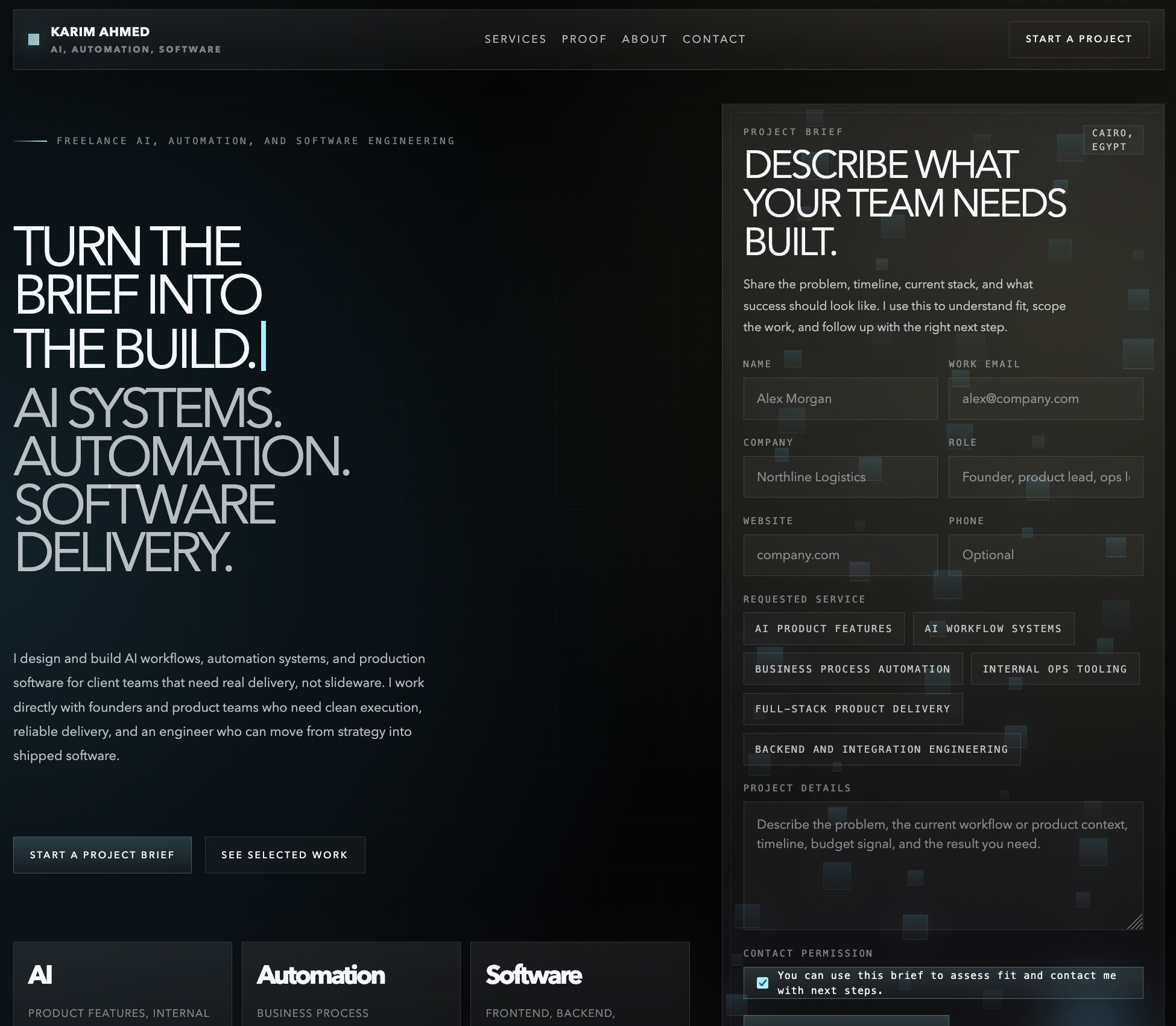
Gallery
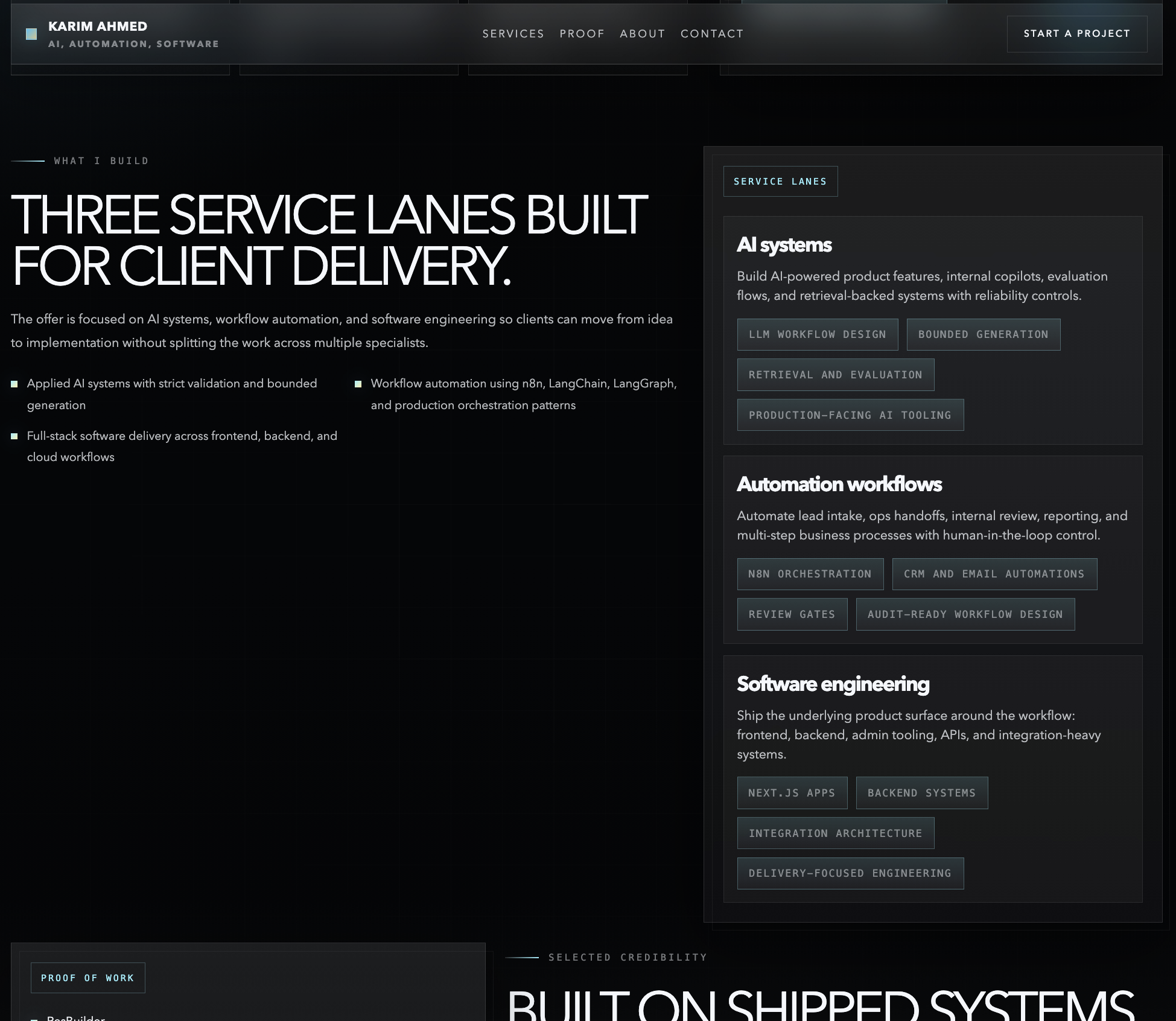
Landing Page #2
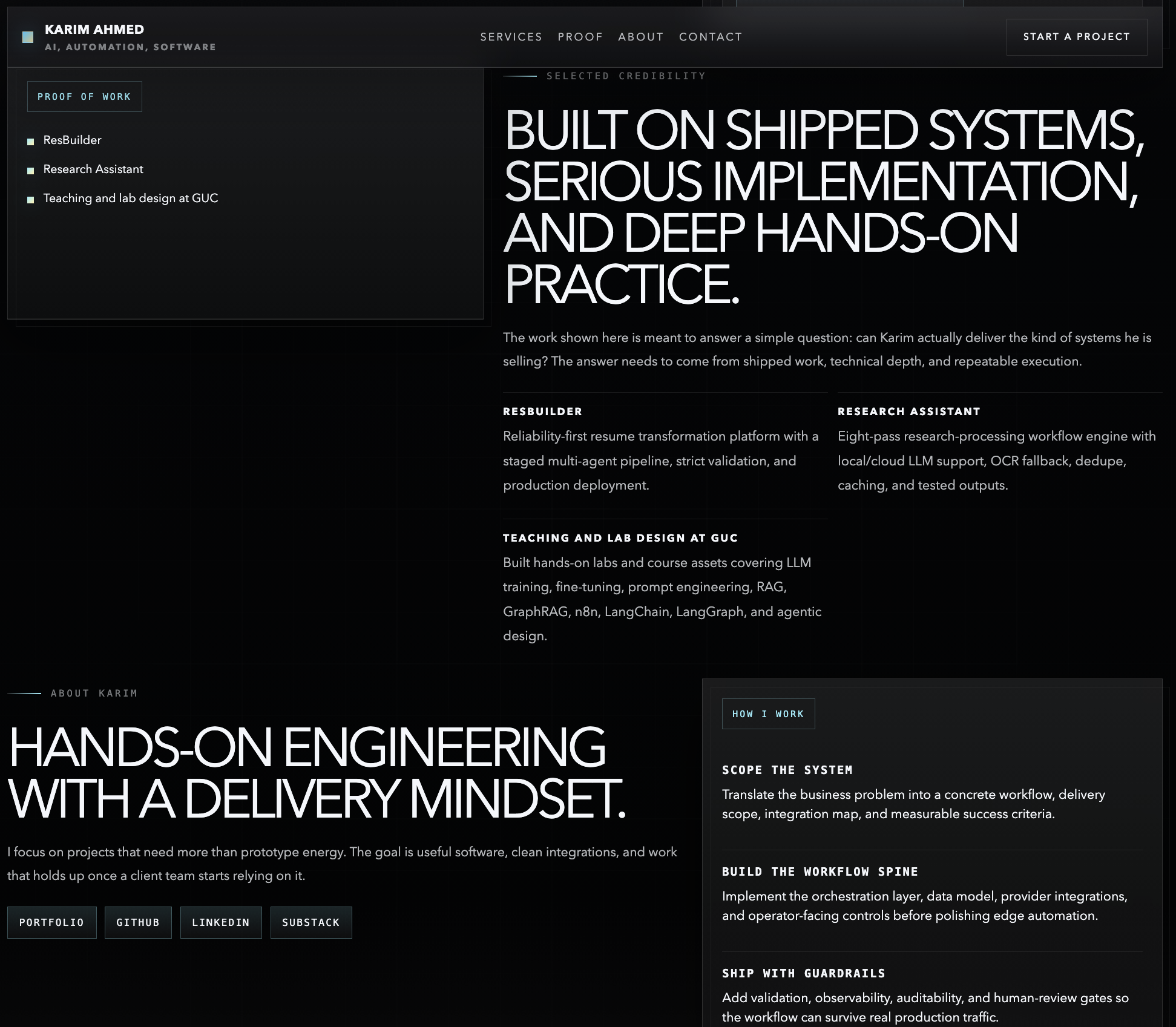
Landing Page #3

Login Screen
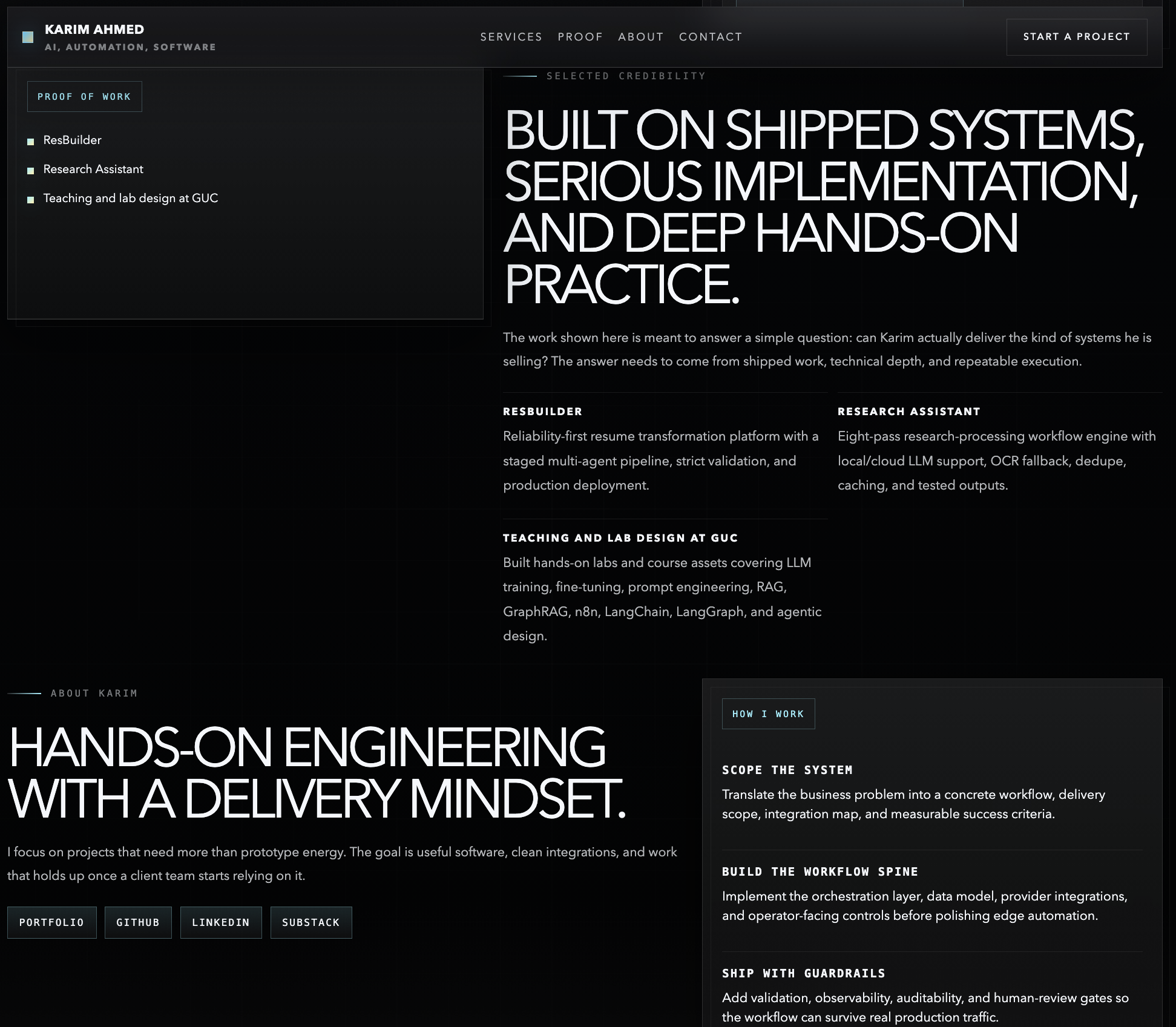
Landing Page #4
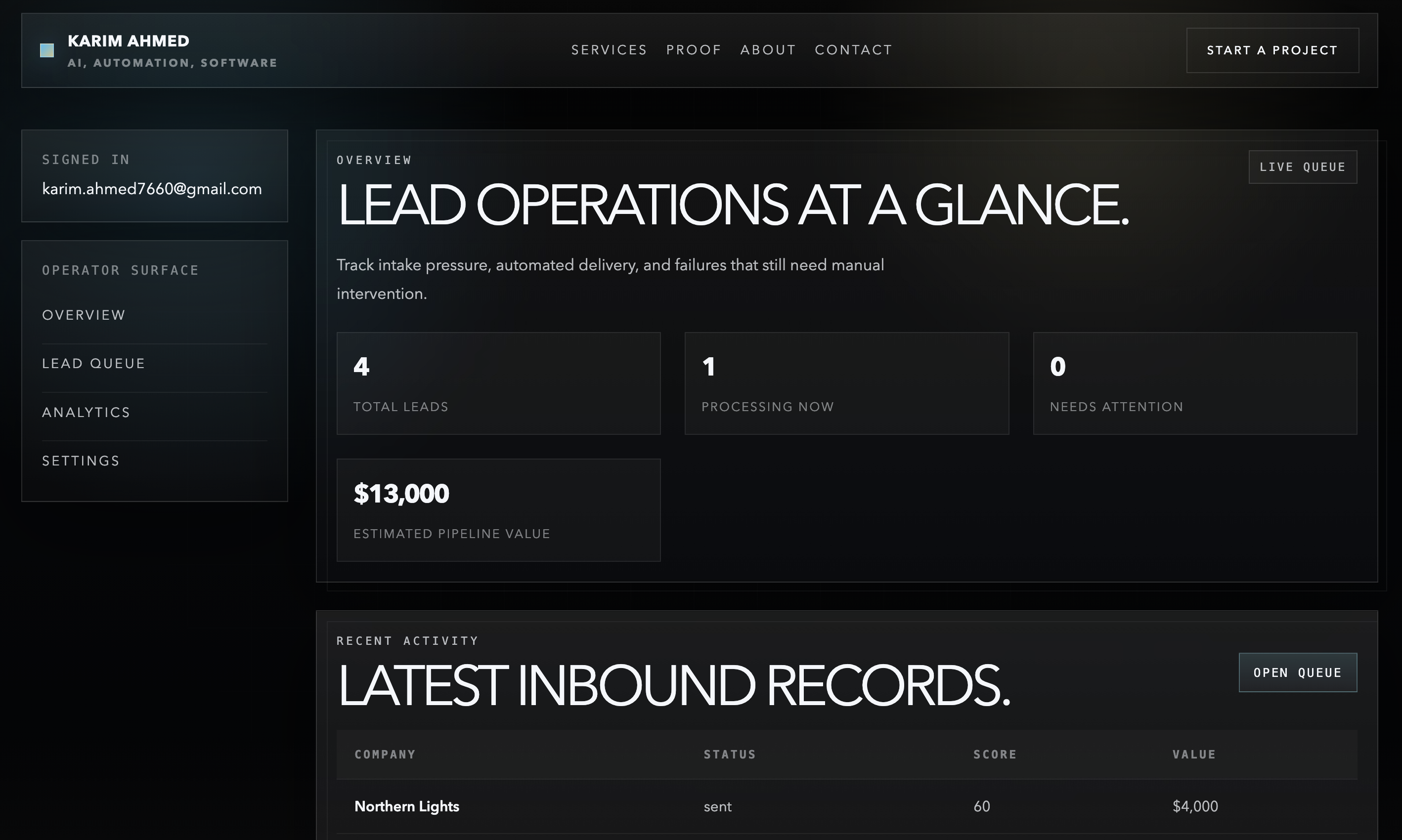
Admin Panel
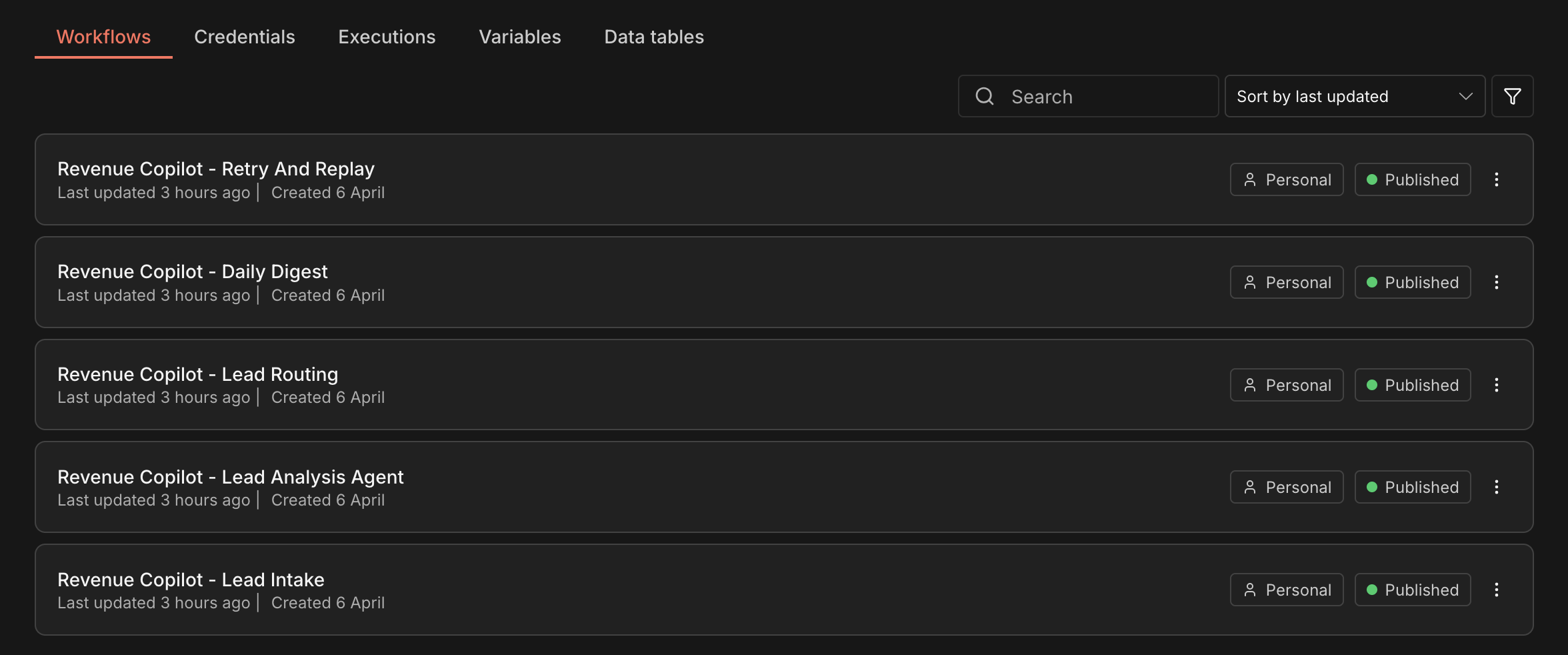
n8n Workflows
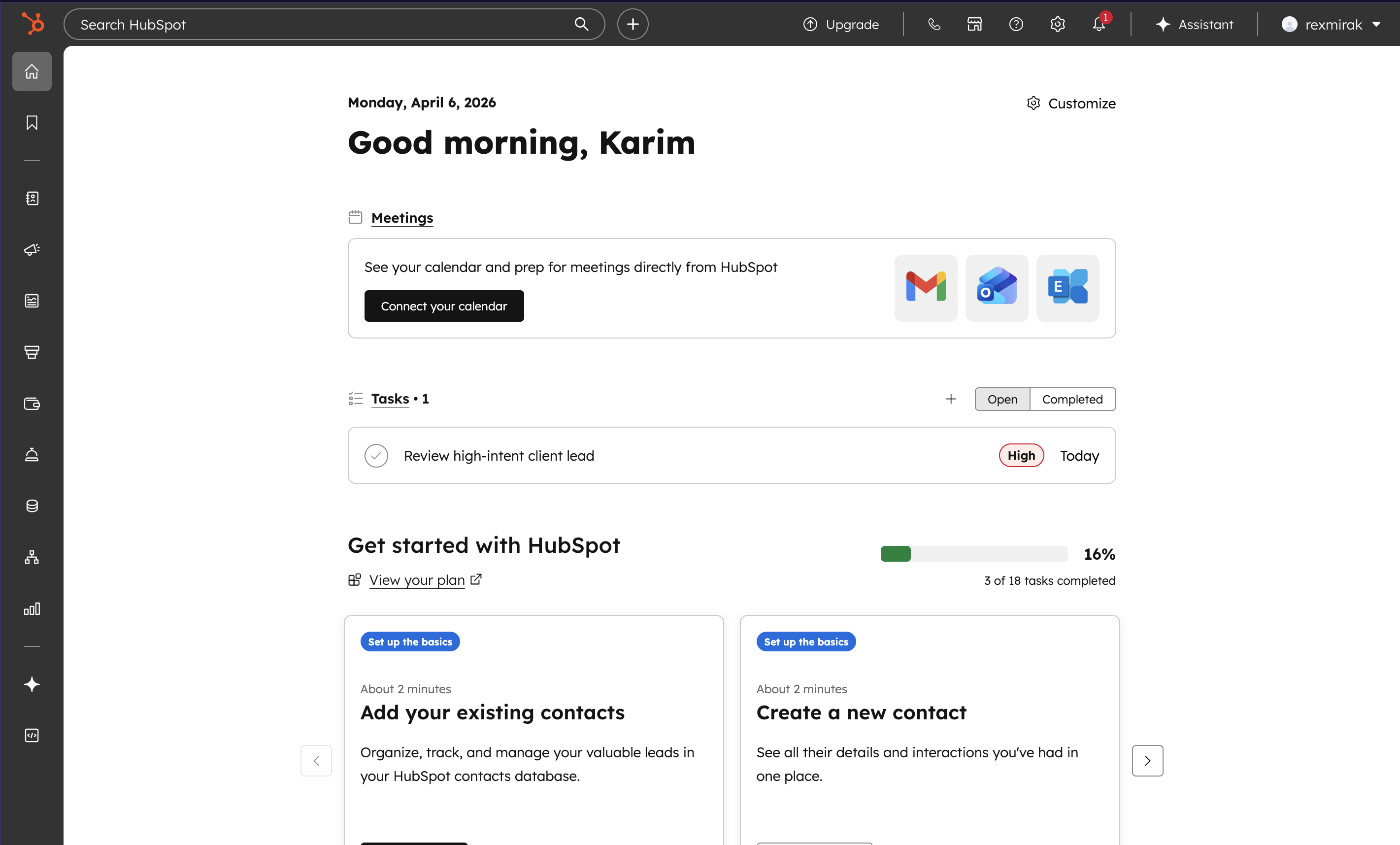
HubSpot Tasks #1
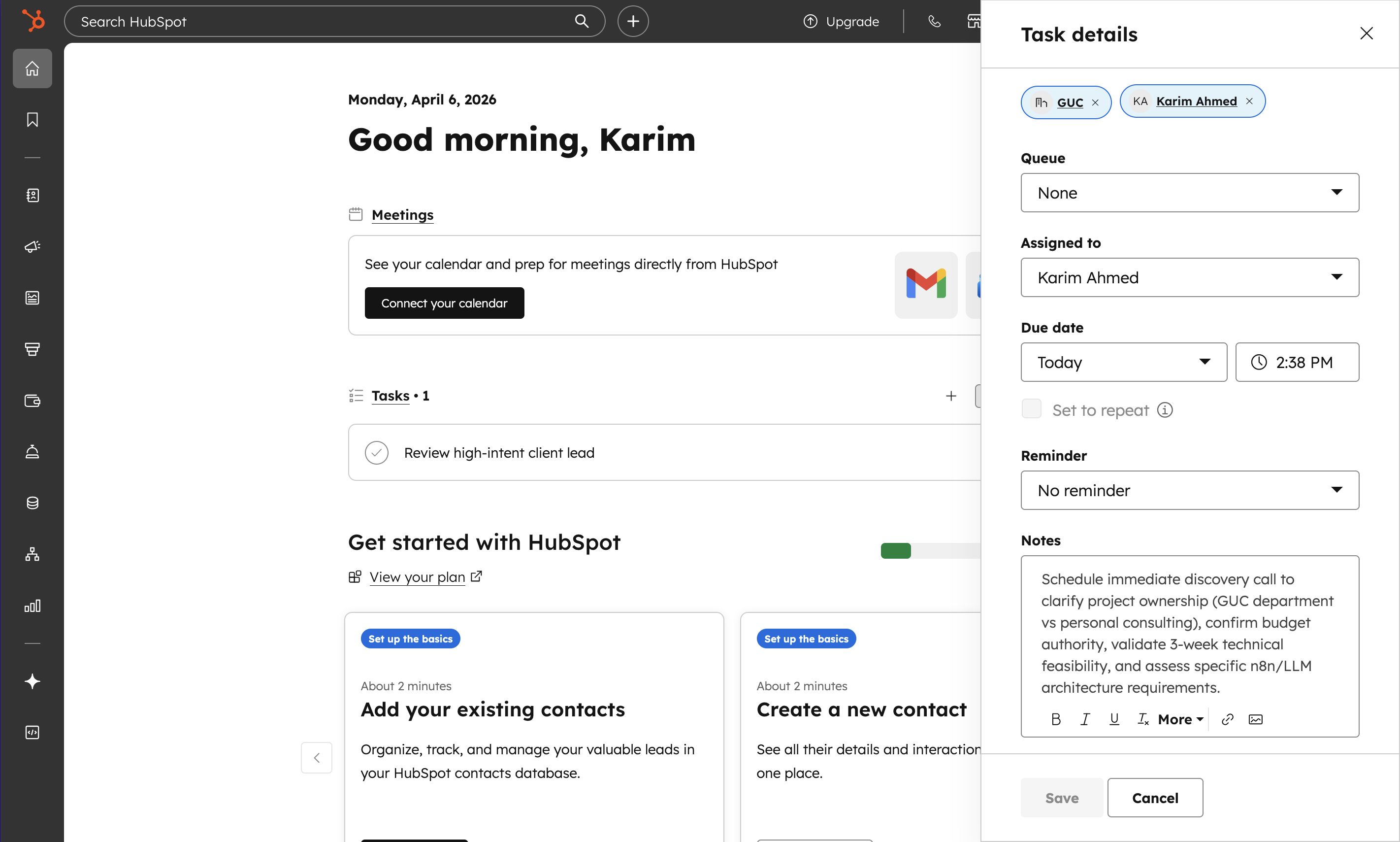
HubSpot Tasks #2
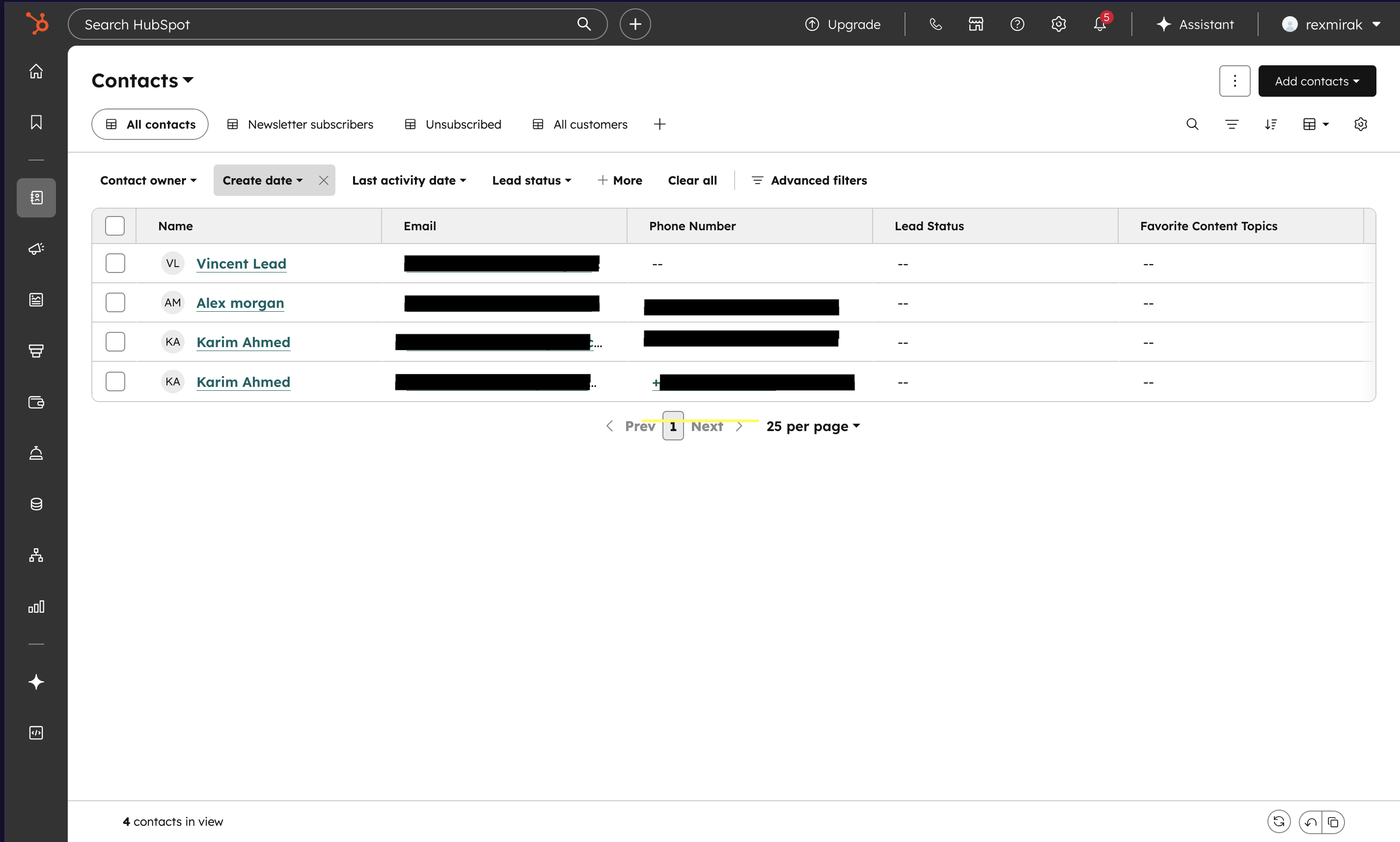
HubSpot Contacts
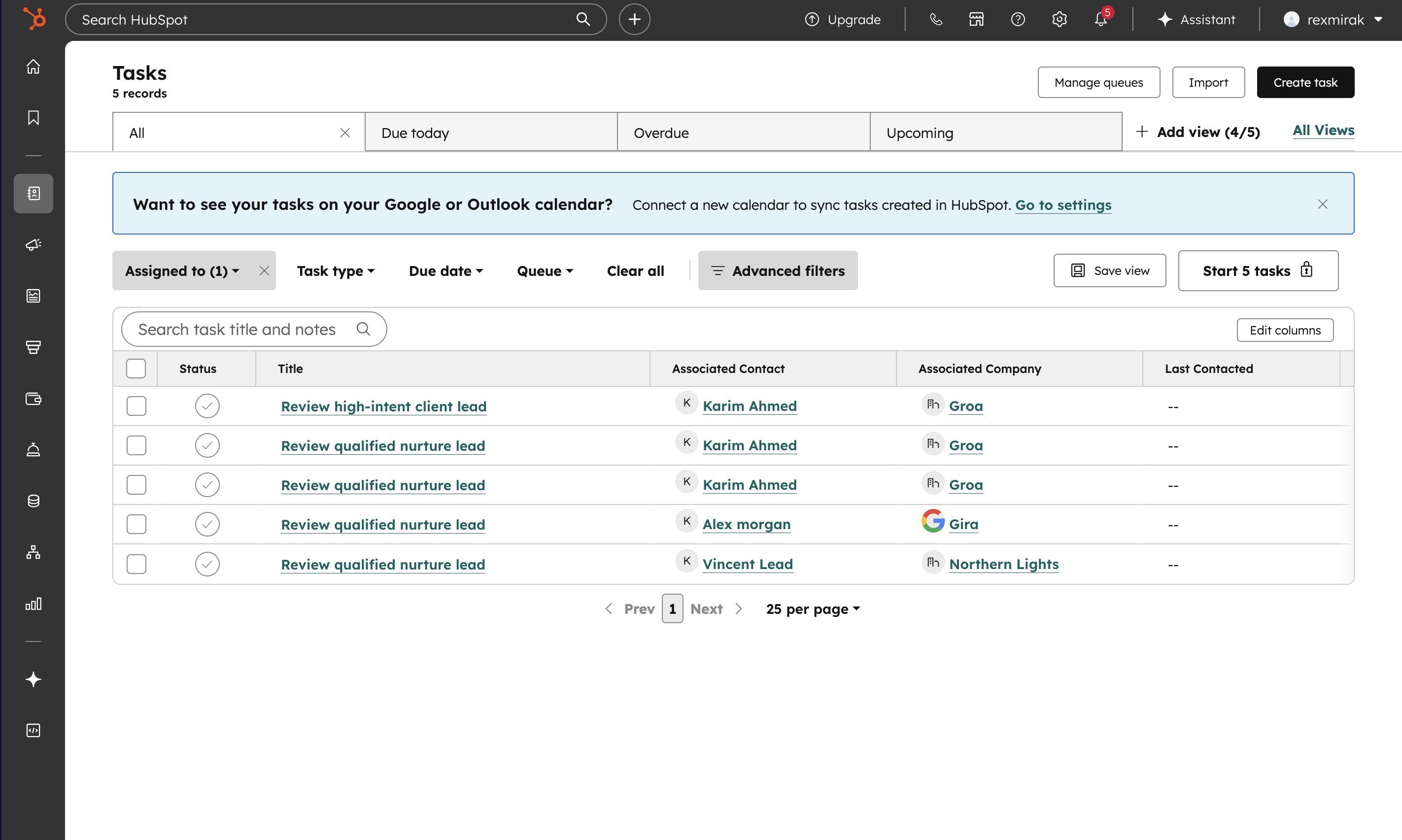
HubSpot Tasks #3
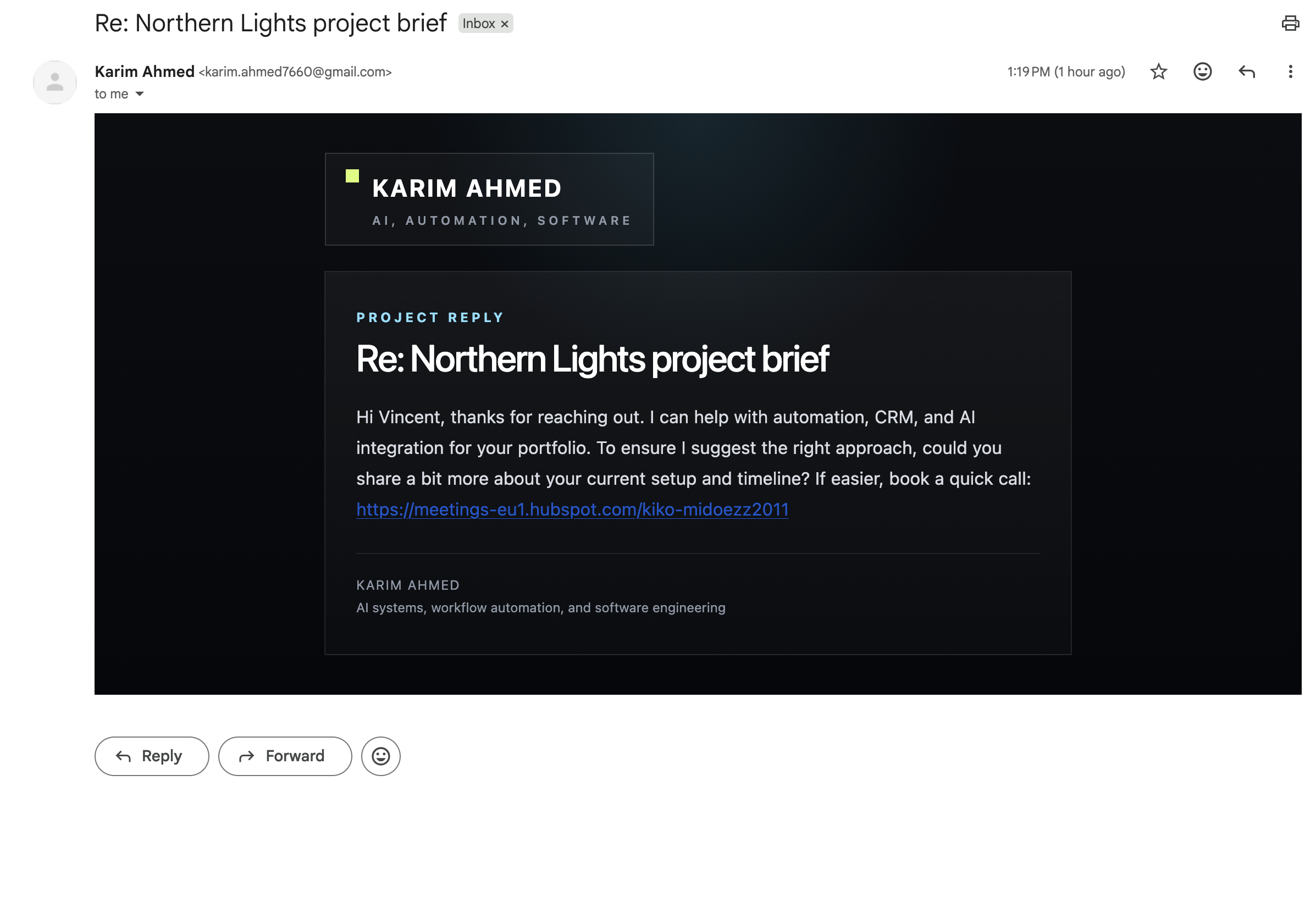
Automated response
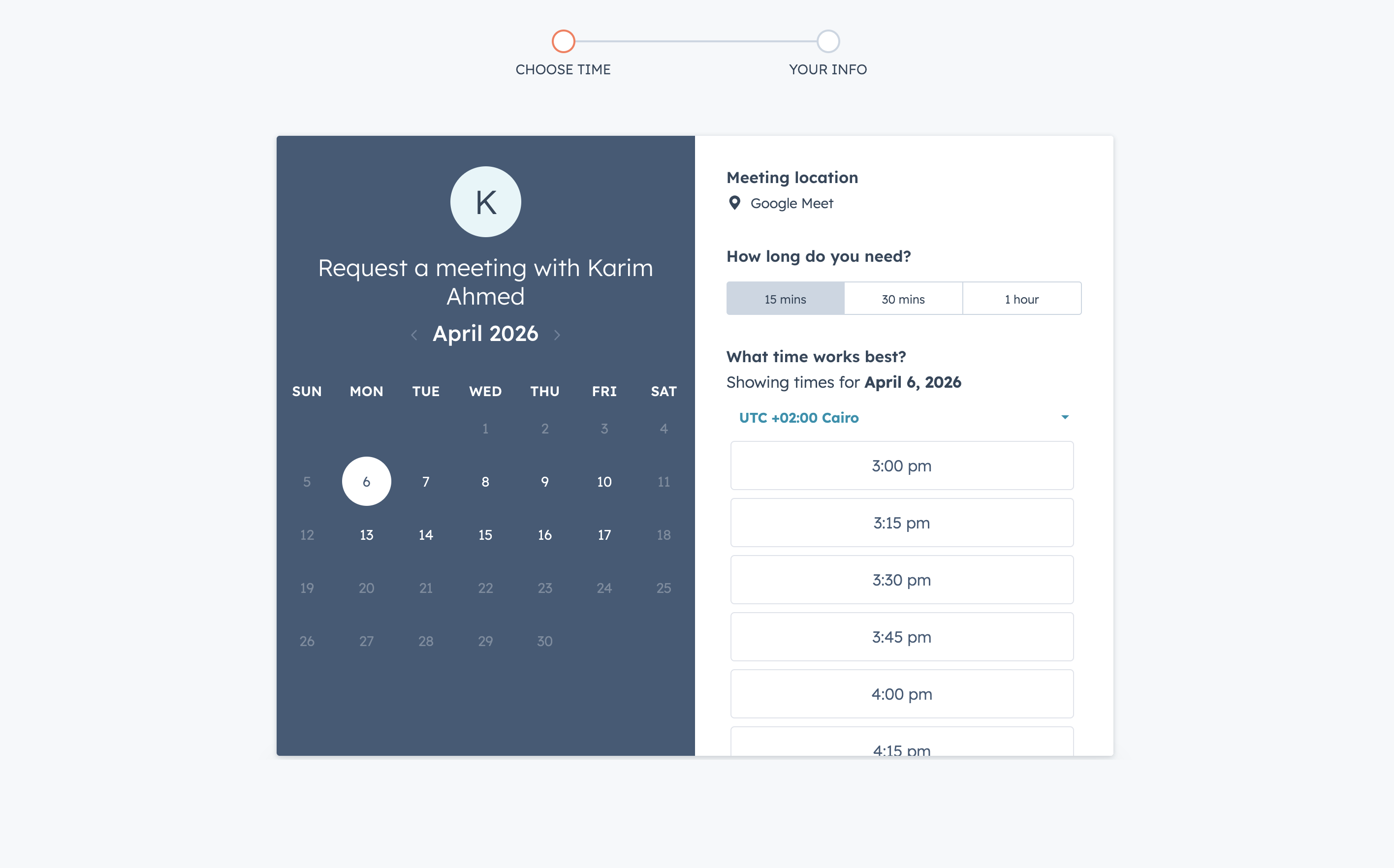
Meeting Scheduling
rexlead
A lead intake and qualification system built for my own services in AI systems, workflow automation, and software engineering. The project combines a public marketing page with a backend flow for structured lead analysis, workflow orchestration, CRM synchronization, and branded outbound replies.
Project snapshot
Role Full stack engineer
Type Personal product and technical exploration
Status Live
Primary goal Turn inbound project briefs into structured, actionable CRM records with a fast first response
Why I built it
I wanted a project that could do two things at the same time.
The first was practical. I wanted a better system for handling inbound opportunities for my own work. A plain contact form and a notification email were too thin for the kind of follow up I wanted.
The second was technical. I wanted to learn HubSpot through a real build rather than through isolated API tests. That meant designing around contacts, companies, deals, tasks, notes, ownership, and routing in a way that had to work as part of a complete system.
That combination made rexlead a strong engineering project. It had a real use case, a live deployment target, and enough moving parts to force clear decisions across application code, orchestration, CRM state, prompting, and delivery.
Screenshots


What the product does
- Captures project briefs from a public site
- Stores and deduplicates inbound leads
- Analyzes the brief with a structured LLM pipeline
- Scores fit, urgency, relevance, and seriousness
- Routes the lead through workflow logic
- Syncs qualified records into HubSpot
- Sends a branded first reply
- Keeps an admin workspace for visibility, resend control, and workflow inspection
Tech stack
Frontend and application layer
- Next.js 16
- TypeScript
- React server side routing and protected admin views
Data and auth
- Supabase
- Postgres backed audit and workflow state
- Email based admin access
AI and orchestration
- Ollama Cloud
- n8n Cloud
- Structured prompting with bounded tool calling
CRM and delivery
- HubSpot CRM APIs
- Nodemailer with Resend support
- Vercel deployment
Architecture overview
rexlead is built as a multi layer system.
1. Public application layer
The public page presents my services and collects project briefs. The same application also exposes protected admin pages and internal workflow endpoints.
2. Persistence and audit layer
Supabase stores leads, analysis results, score outputs, workflow runs, delivery history, and agent traces. This gives the project a durable record of what happened at each stage.
3. Analysis layer
The analysis layer uses Ollama Cloud to produce structured lead output instead of free form text. It runs as a small tool using agent. Before the final synthesis step, it can fetch the submitted website, crawl a few public pages, inspect domain and email signals, and pull existing HubSpot context when a matching record exists. That bounded evidence is then compressed into a compact synthesis pass that feeds the scoring and routing steps.
4. Workflow layer
n8n coordinates intake, analysis, routing, replay, and scheduled tasks. That keeps the orchestration visible and separates long running work from the public request path.
5. CRM layer
HubSpot stores the operational outcome of the lead. Qualified work is reflected in contacts, companies, deals, tasks, and notes.
Workflow sequence
- A visitor submits a project brief
- The app validates the payload and stores the lead in Supabase
- The intake workflow dispatches analysis through n8n
- The analysis step generates structured signals and a routing result
- The routing step updates HubSpot and prepares the outbound reply
- Delivery state is logged back into Supabase
- The admin interface exposes the full trail for inspection
APIs and integrations
HubSpot
Used for:
- contact lookup and upsert
- company lookup and upsert
- contact company association
- deal creation
- task creation
- note creation
- custom property updates
Ollama Cloud
Used for:
- structured lead analysis
- bounded tool calling across website fetch, lightweight crawl, domain signal inspection, and HubSpot context lookup
- compact JSON synthesis
- reply draft generation
n8n
Used for:
- intake dispatch
- analysis workflow execution
- routing workflow execution
- replay flows
- scheduled digest execution
Supabase
Used for:
- authentication
- lead records
- prompt logs
- workflow runs
- agent traces
- email delivery records
Interesting engineering decisions
Structured output over open ended generation
I wanted the model layer to be useful because the surrounding system was strong, not because the prompt was persuasive. The analysis pipeline therefore produces structured output that the application can score, route, and log.
const response = await fetch(`${baseUrl}/chat/completions`, {
  method: 'POST',
  headers: {
    'Content-Type': 'application/json',
    Authorization: `Bearer ${apiKey}`,
  },
  body: JSON.stringify({
    model,
    messages,
    response_format: { type: 'json_object' },
    temperature: 0,
    top_p: 0.1,
    seed: 7,
    max_tokens: 1200,
    reasoning_effort: 'none',
  }),
});
The more important decision sat before that synthesis request. I did not want the model to judge the lead from the form alone when a real website and CRM context were often available. The tool loop therefore gathers a small evidence set first, then passes a compressed representation into the JSON synthesis step. That gave the scoring layer a better foundation without turning analysis into an unbounded crawl.
const tools = [
  fetchWebsitePageTool,
  crawlPublicSiteTool,
  inspectDomainSignalsTool,
  getHubSpotContextTool,
];
Short lived intake with explicit workflow handoff
A large part of the iteration work was around getting orchestration to behave cleanly under real conditions. The final structure keeps intake short and moves analysis and routing into their own workflow stages.
await fetch(`${n8nBaseUrl}/webhook/revenue-copilot/analyze`, {
  method: 'POST',
  headers: {
    'Content-Type': 'application/json',
    'x-revenue-copilot-signature': webhookSecret,
  },
  body: JSON.stringify({ leadId }),
});
HubSpot as a real system boundary
HubSpot was where the project became materially more interesting. It introduced state, relationships, ownership, and a more serious operational target than a local database alone.
const contact = await upsertHubSpotContact(input, contactProperties);
await associateHubSpotRecords('contacts', contact.contactId, 'companies', company.companyId);
const noteId = await createHubSpotNote(contact.contactId, analysis.internal_note);
That HubSpot context also feeds back into the tool layer during analysis. If a contact or company already exists, the model gets a short summary of the current CRM state before it drafts the reply and recommends the next action. That makes the output more aware of existing relationships and reduces the chance of treating an ongoing conversation like a brand new lead.
Branded outbound delivery
I wanted the reply email to feel like part of the same product system rather than a raw plain text response, so the delivery layer renders branded HTML with a text fallback.
const providerEmailId = await sendLeadReply({
  to: lead.email,
  subject,
  text: replyDraft,
});
Main challenges
Learning HubSpot through a live build
HubSpot pushed me to think about more than simple CRUD. Owner identity, pipeline stages, property names, associations, and account level behavior all mattered.
Orchestration correctness
The workflow layer needed several iterations before the handoff between intake, analysis, and routing felt stable. Breaking those stages apart made the flow easier to observe and debug.
Reliable model output
The challenge with the model was not generating text. The challenge was generating compact, structured, repeatable output that could survive the rest of the system. That led to bounded evidence, tighter prompts, deterministic settings, and a stricter synthesis path.
The tool layer mattered here as much as the prompt. Each tool call adds useful context and also increases latency and prompt size. I had to keep the loop small, trim crawled content aggressively, cap the number of pages inspected, and preserve only the most useful evidence before synthesis. That made the final output more reliable and made the analysis step easier to reason about in production.
Schema alignment under production pressure
A live system surfaced the places where code and data shape had drifted apart. Working through those failures improved the operational quality of the project and the discipline of the repository itself.
What this project shows about my work
rexlead reflects the kind of projects I like building.
- Real use case first
- Clear system boundaries
- Practical use of AI inside a stronger engineering frame
- Willingness to iterate through deployment and integration friction
- Strong interest in learning new platforms through complete shipped systems